
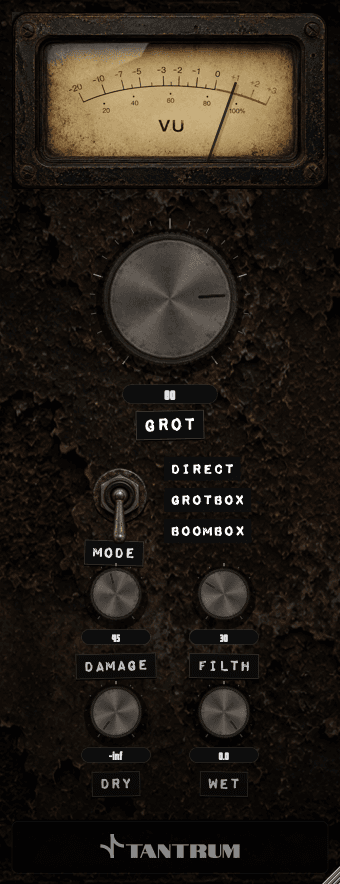
GROT
Distortion that sounds like something actually broke.
A one-time download link will be sent to your email.
Lost your download links?
Tell us the email you used at checkout and we will resend links for everything you have bought.
Installing GROT
Get It Into Your DAW
GROT installs as a VST3 on macOS and Windows, an Audio Unit on macOS, and AAX for Pro Tools on macOS. The macOS download is a disk image: open it and drag each plugin onto its matching shortcut. The Windows download is a zipped VST3 bundle to drop into your plugin folder. There is no licence key, no iLok and no dongle.
- 1.macOS: open the .dmg and drag each plugin onto its matching shortcut: GROT.component onto AU Plug-Ins, GROT.vst3 onto VST3 Plug-Ins, and GROT.aaxplugin onto AAX Plug-Ins. If macOS blocks the disk image on first open, right-click it and choose Open to confirm.
- 2.Windows: the download is a zipped GROT.vst3 bundle. Unzip it and drop it into your VST3 plugin folder.
- 3.Restart your DAW so it rescans plugins. In Logic, you may need to let the AU validation run.
- 4.Load GROT from your distortion or effects list, and break something.
VST3 and AU on macOS, VST3 on Windows. AAX for Pro Tools on macOS, free to you. Questions? Email support@tantrumaudio.co.uk.

