



Best DSP Speaker Processors for Studio Monitoring
A DSP speaker processor sits between your source and your monitors and applies crossover, equalisation, delay and level in the digital domain. In a studio the job is different from the PA world the category grew out of: fewer channels, far tighter noise and distortion requirements, latency low enough to record through, and correction that has to survive being left alone for months. This guide covers what separates a studio-grade processor from a PA one, the specifications that decide the result, and when a processor beats doing the same work in software.
What a Speaker Processor Does
A speaker processor takes the signal before the power amplifiers and shapes it per output. The four operations are the same whether the box costs a hundred pounds or several thousand: split the band with a crossover, correct the magnitude response with filters, delay outputs so they arrive together, and set relative levels.
The reason to do it here rather than in a plugin is coverage. A processor sits in the signal path, so it corrects your DAW, your reference tracks, a video call and anything else that reaches the monitors. A plugin corrects only the session it is loaded in. A system-wide software driver sits in between, correcting one computer and nothing else.
- Speaker processor
- A DSP unit placed between the source and the amplifiers that applies crossover, equalisation, delay and gain per output. Distinct from a monitor controller, whose job is source selection and level rather than correction.
The Specifications That Decide the Result
Most of a processor data sheet is filler. These are the parts that change what you hear.
- Latency in to out. Under roughly 1 ms is transparent for tracking. Units built around long FIR filters can add tens of milliseconds, which is fine for playback and unusable for monitoring a performance.
- Noise floor and distortion. The processor is in the path for everything, so its own noise adds to every source. Figures around 120 dB dynamic range and distortion in the low thousandths of a percent are what studio use asks for.
- Filters per output. Correction that needs twenty filters and gets eight is truncated correction. Count what the unit gives you per output rather than in total.
- Delay resolution. Time alignment between a sub and mains needs resolution finer than the arrival difference you are correcting, which is usually a fraction of a millisecond.
- Input and output headroom. Balanced inputs around +20 dBu and outputs around +18 dBu keep the processor out of the way of a professional interface.
- Whether it runs standalone. A processor that needs a computer attached to hold its settings is a plugin with a power supply.
PA processors in a studio
Second-hand PA loudspeaker management units are cheap and capable, and most were designed for an environment where 90 dB of dynamic range is plenty and latency of a few milliseconds is irrelevant. Check both figures before putting one in front of your monitors.
What to Look At
Grouped by what the unit is for, since the categories do not compete directly.
| Category | Typical use | Watch for |
|---|---|---|
| PA loudspeaker management | Live systems, install | High channel counts and rugged I/O. Noise and latency specified for a different job. |
| AV and hi-fi processors | Listening rooms, AV | Turnkey correction with its own measurement system. Often no balanced I/O and limited studio integration. |
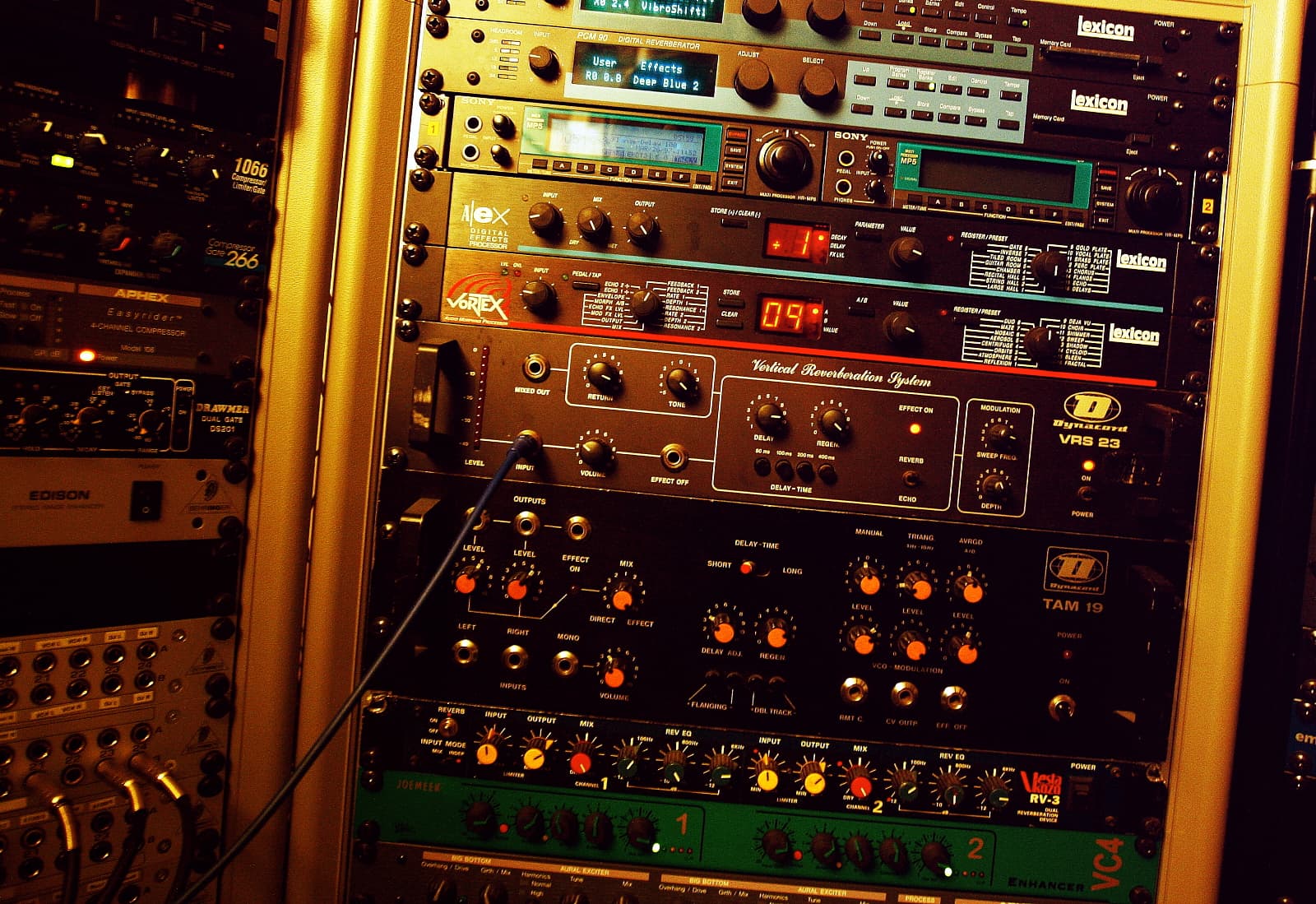
| Studio DSP processors | Monitor paths, sub integration | Low latency, high headroom, filters per output, and settings that persist without a computer. |
| Correction inside the monitor | Active monitors with onboard DSP | Convenient and limited to that speaker. No help with a sub or a second pair. |
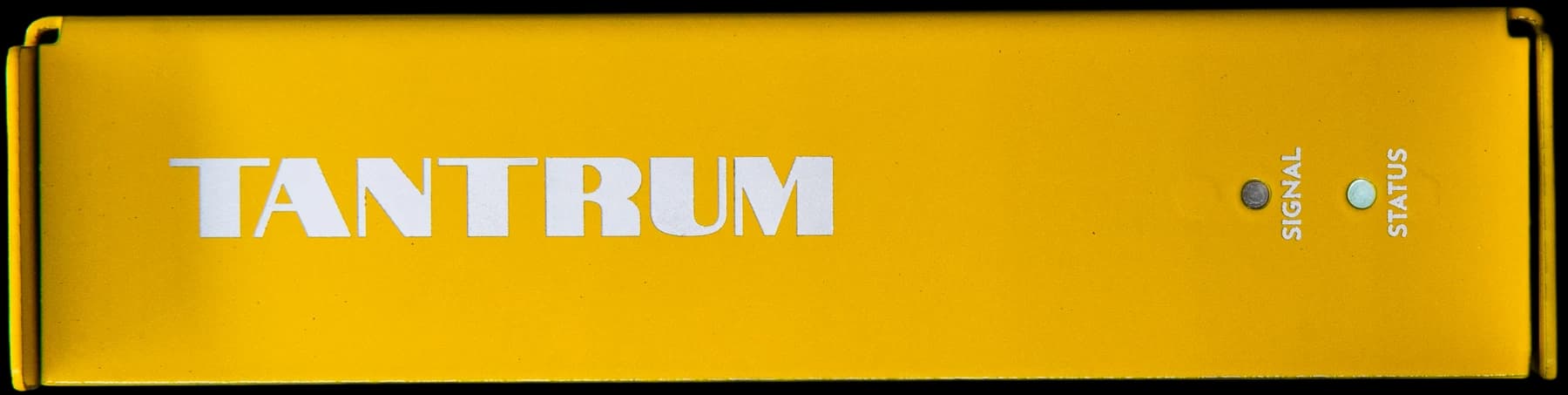
Our own NEXUS is in the third group: 0.85 ms in to out, 120 dB noise floor, 0.0013 percent distortion, 15 filters per output with crossover, time alignment and all-pass, configured by Omnissiah and then left to run standalone. It is one option among several and the specifications above are the ones to compare it on.
Processor or Software
The honest answer depends on how many sources you have and whether you record through the monitoring path.
If everything you listen to comes out of one computer and you do not record while monitoring, software correction is cheaper and does the same job. If you have a turntable, a console, a games machine or a second computer, or if you want the correction to survive an operating system reinstall, the processor is doing something software cannot.
The other case for hardware is latency. Correction computed as minimum-phase IIR and run in dedicated DSP adds a fraction of a millisecond, where the same correction inside a computer carries the audio interface's buffer on top of it.
Rules of Thumb
Frequently Asked Questions
What is the difference between a speaker processor and a monitor controller?
A monitor controller selects sources and sets level. A speaker processor corrects the signal with crossover, filters, delay and per-output gain. Some units do both, but they are different jobs and the specifications that matter are different.
Do I need a speaker processor if my monitors have onboard DSP?
Not for the monitors themselves. You may want one if you are integrating a subwoofer, running more than one pair, or want correction applied to sources that never touch your computer.
Can I use a PA loudspeaker management unit in a studio?
Yes, with two checks. Look at the noise floor, because a processor sits in the path for everything you hear, and look at the latency, because some units use long FIR filters that are fine for a PA and not for tracking.
How much latency is acceptable in a monitoring path?
Under about 1 ms in to out is not noticeable. Around 5 ms starts to feel like a slight delay when playing. Above 10 ms most players find it distracting, which rules out long linear-phase FIR correction on a tracking path.
Is hardware correction better than software correction?
Not better, different. Hardware covers every source and keeps its settings without a computer, and is usually lower latency. Software is cheaper and easier to change. The choice follows from how many sources you have and whether you record through the path.
Conclusion
Choose a speaker processor on latency, noise floor, filters per output and whether it holds its settings on its own. Those four decide whether it is usable in a monitoring path; almost everything else on the data sheet is inherited from the PA market the category came from. A processor is worth the money when the correction needs to apply to more than one source or survive a computer change, and is redundant when a single machine is the only thing you ever listen through.
Sign up to hear more when we release something new


