




Best Studio Monitor Stands: What to Look For
A monitor stand does three things: it puts the tweeter at ear height, it holds the speaker still while the driver pushes against it, and it stops the desk surface behaving as an extension of the cabinet. Height is the one most people get wrong and the one that changes the sound most, because a tweeter aimed above or below your ears loses the top end that tells you whether a mix is bright. This guide covers what separates a useful stand from a tall one, how to choose between floor stands and desktop stands, and what mass and decoupling actually buy.
The Three Jobs
Everything a stand is advertised on comes back to three functions, and they are worth separating because products trade them off differently.
Height first. A tweeter above or below ear level puts you off the speaker's design axis, and high frequencies fall away faster off axis than low ones. The audible result is a mix that seems dull in the room and turns out bright everywhere else. Measure from the floor to your ear while seated in your working posture, and put the tweeter there.
Stability second. A driver accelerating a cone pushes back against the cabinet with an equal force, and the cabinet passes it to whatever it is standing on. A light stand on a soft carpet rocks, which means part of the driver's motion goes into moving the speaker rather than the air. Mass and a wide base are the answer.
Decoupling third. Any energy that reaches the desk or the floor travels through the structure and radiates back a few milliseconds later, out of step with the direct sound. In the low end this is heard as a thickened, indistinct bass that no amount of EQ tidies up.
- Decoupling
- Isolating a speaker mechanically from the surface it sits on, usually with a compliant pad or isolation feet, so vibration is not transmitted into the desk or floor and re-radiated.
Floor Stands or Desktop Stands
Floor stands win when the room allows them, because they decouple the monitor from the desk entirely and let you position the speaker independently of where the desk happens to be. They need floor space, they get knocked, and they are awkward in a room that is also a bedroom.
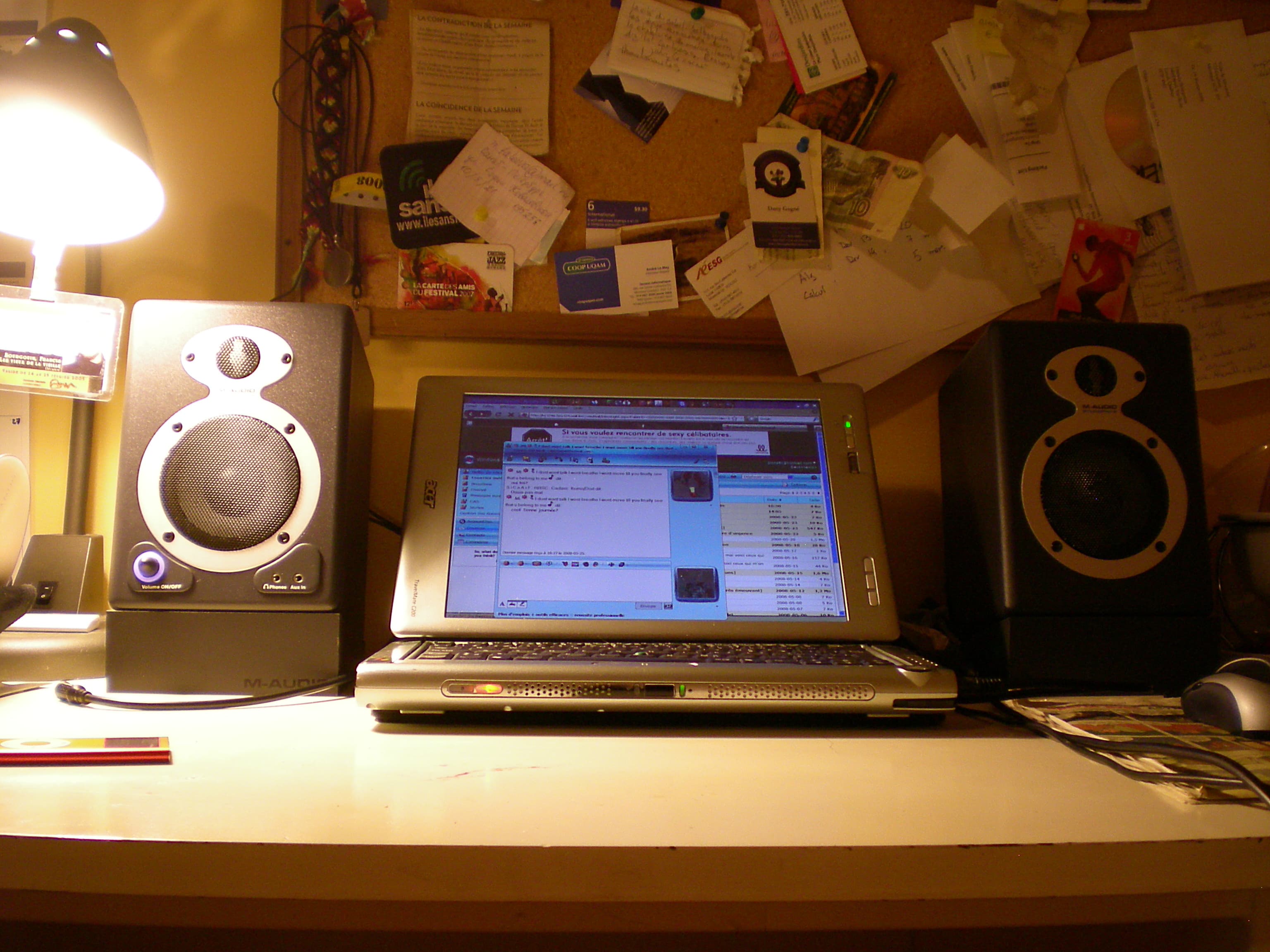
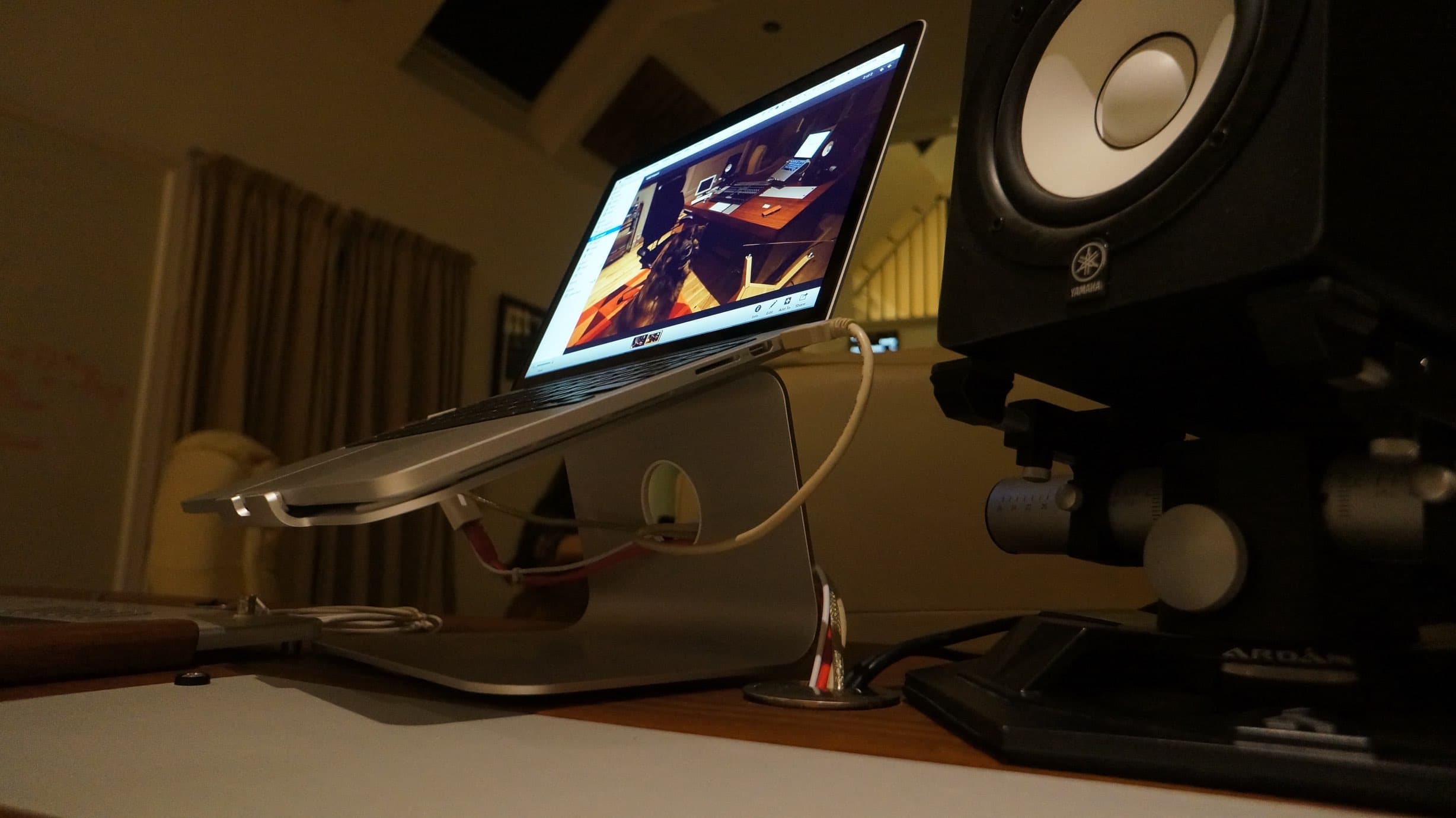
Desktop stands are the right answer when the desk is fixed and the monitors have to live on it. A good one raises the tweeter to ear height, tilts the monitor toward you, and puts a compliant layer between the speaker and the desk. A poor one is a wedge of foam that does the decoupling and none of the height.
| Situation | Choice | Why |
|---|---|---|
| Room with floor space either side of the desk | Floor stands | Full decoupling and free positioning. |
| Desk against a wall, no floor space | Desktop stands | Height and tilt without needing floor area. |
| Monitors below ear height on the desk | Either, as long as it raises them | Height is the problem being solved. |
| Desk that resonates audibly when tapped | Floor stands, or desktop stands with real isolation | The desk is part of the speaker until you break the path. |
| Temporary or travelling setup | Desktop stands | They pack, floor stands do not. |
What to Look For
- A height that puts your tweeter at ear level when seated, not a height that looks about right in a photograph.
- Enough mass, or the ability to be filled. Sand in a hollow column adds mass and damps the tube's own ringing.
- A base wider than the top plate, and spikes or feet appropriate to the floor. Spikes for carpet, flat feet for a hard floor.
- A top plate large enough that the monitor sits fully on it. Overhang makes the whole thing easy to knock over.
- Some compliance between speaker and plate. A pad, a gel foot, or a purpose-made isolator.
- Tilt adjustment if the tweeter cannot be brought level with your ears.
The cheapest real improvement
Before buying anything, sit in your normal position and have someone hold a monitor at ear height and pull it 20 cm further from the wall. If that is obviously better, the stand is worth buying. If nothing changes, the room is the problem and the money should go there first.
Do's and Don'ts
- ✓Measure your seated ear height and set the tweeter to it.
- ✓Fill hollow stands with dry sand, and cap them so it stays in.
- ✓Match the foot to the floor: spikes through carpet to the boards, flat feet on wood or tile.
- ✓Keep the stands symmetrical, including distance from side walls.
- ✓Check stability by pushing the top plate gently. It should not rock.
- ✕Do not put monitors on the desk with nothing under them and call it done.
- ✕Do not use foam alone to fix a height problem. It decouples and it does not raise.
- ✕Do not buy a stand whose top plate is smaller than the monitor's base.
- ✕Do not spike a stand into a floor you are not allowed to mark.
- ✕Do not assume an expensive stand beats a filled cheap one. Mass and geometry are most of the job.
Frequently Asked Questions
How high should studio monitor stands be?
High enough that the tweeter is level with your ears when you are seated in your normal working posture. Measure it rather than estimating; the usual error is monitors too low, which puts you off the design axis and costs you top end.
Do monitor stands really make a difference?
Yes, mostly through height and decoupling rather than anything exotic. Getting the tweeter to ear height changes the perceived top end, and taking the speaker off a resonant desk cleans up the low mids. Both are audible immediately.
Should I fill monitor stands with sand?
If they are hollow, yes. Dry sand adds mass and damps the column's own ringing at the same time, for the price of a bag of sand. Seal the top so it does not migrate.
Are desktop monitor stands as good as floor stands?
For height and tilt, yes. For decoupling, a floor stand is inherently better because it removes the desk from the path entirely. A good desktop stand with real isolation closes most of the gap and is the right answer when floor space does not exist.
Do I need spikes on my monitor stands?
On carpet, spikes let the stand reach the solid floor beneath, which improves stability. On a hard floor they concentrate the load and can mark the surface, and flat damped feet are usually the better choice.
Conclusion
Buy a stand for height, mass and decoupling, in that order, and treat everything else as marketing. Floor stands are the better engineering answer where there is room for them, and a well-made desktop stand covers the same ground when there is not. The limit worth naming: a stand improves what the speaker does at your ears and changes nothing about the room behind it, so it is a cheap early step rather than a substitute for treatment.
Sign up to hear more when we release something new


