



Best Studio Monitors for Home Studios: How to Choose
A home studio is a room that was chosen for other reasons, usually a spare bedroom or a corner of a living room, and the monitor has to suit it rather than the other way round. That shifts what matters. Output and deep extension are cheap to buy and hard to use in a small untreated space, while coherence, controlled dispersion and a low end that stops before the room takes over are what make mixes translate. This guide sets out the criteria, names the monitors worth shortlisting in each budget band, and says where the money stops making a difference.
What a Home Studio Changes
A commercial control room is built around the loudspeakers. A home studio is a room that already existed, with a window, a radiator, a door in the wrong place and a desk against the only free wall. Three consequences follow, and they set the whole brief.
You sit close, usually between 0.8 and 1.3 metres. That is nearfield listening, where the direct sound from the speaker reaches you well ahead of the room's reflections. It rewards a coherent source and makes physically large monitors pointless at the distance you actually use them.
The room is small and untreated, so the low end is uneven before the monitor does anything. Widely spaced room modes produce peaks and nulls that move with your head position, and the nearest wall and desk cancel a band of the low mids. A monitor that pushes hard into that region makes the problem louder rather than clearer.
You are also sharing the building. Most home studio work happens well below the level a monitor is specified at, which means max SPL figures describe headroom you will never reach and bass extension you cannot use at night.
- Nearfield monitoring
- Listening at close range, roughly 0.7 to 1.5 m, so the speaker's direct sound dominates over the room's reflected sound and the room's influence on what you hear is reduced.
The Criteria Worth Buying On
Judge any monitor against the things a small room actually taxes.
- Woofer size. A 4 to 5 inch woofer suits most home studios at desk distance. Bigger woofers move more air into the region the room handles worst.
- Low-end control. Sealed cabinets roll off gently and keep their timing. Ported cabinets buy roughly half an octave of extension and add group delay around the tuning frequency, which is the same region a small room is already smearing.
- Coherence. A single-driver or coaxial point source images precisely at short distances and stays consistent when you move off axis. A two-way monitor hands the crossover region to two drivers in different places.
- Dispersion. Even, predictable directivity means the first reflections off the desk and side walls are a faithful copy of the direct sound rather than a differently coloured one.
- Onboard DSP. Boundary compensation and response trims are the only correction available in a room you are not allowed to treat.
- Physical size. A monitor that will not fit on the desk at ear height, symmetrically, is the wrong monitor however it measures.
Spend in this order
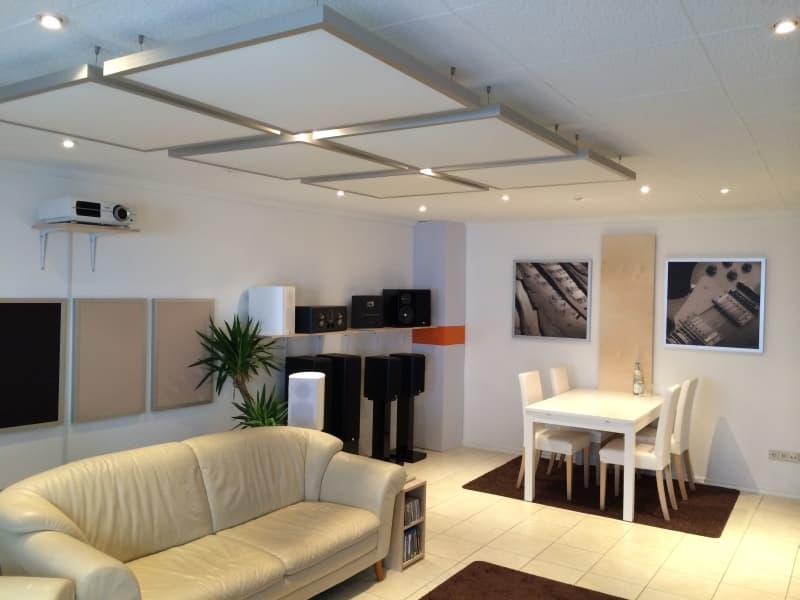
A pair of broadband absorbers at the first reflection points and a bass trap in the corner behind the desk will change your mixes more than doubling the monitor budget. Treatment, then placement and stands, then monitors, then a subwoofer. Almost everyone does it backwards.
What to Shortlist, by Budget
Model names go stale and prices move, so treat these as the shapes worth shortlisting rather than a ranking. The design descriptions are the durable part.
| Budget band | Shapes worth looking at | What you are buying |
|---|---|---|
| Entry | PreSonus Eris, KRK Rokit 5, JBL 305P MkII | Ported two-way designs with usable midrange. Expect to work around a lifted low end and to need the port plugged or the monitor pulled off the wall. |
| Mid | Yamaha HS5, ADAM T5V, IK Multimedia iLoud Micro | Better drivers and, on the iLoud, onboard DSP. Still mostly ported two-ways, so placement and treatment still do the heavy lifting. |
| Upper | Genelec 8020 and 8030, Neumann KH 120, Tantrum Angry Box | Tighter tolerances, real boundary compensation, and in the coaxial and single-driver designs a coherent source. This is the band where the room starts to be the limit. |
| Reference | Genelec 8331, larger three-ways | Coaxial or coincident designs with room calibration systems. Worth it in a treated room and largely wasted in an untreated one. |
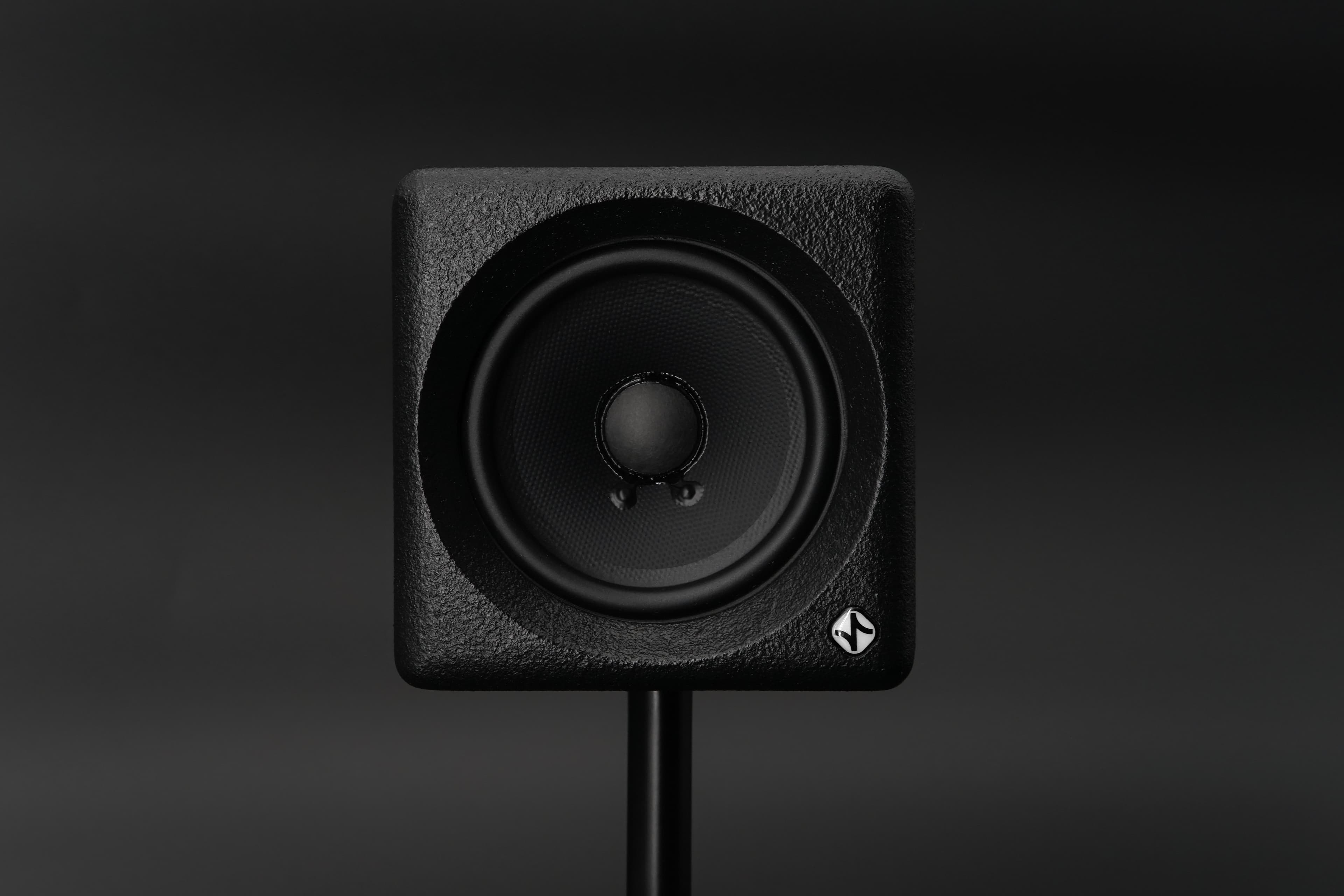
The single-driver cube family sits slightly outside the table because it is answering a different question. The Auratone 5C and Avantone MixCube are midrange reference tools rather than full-range monitors. Our own Angry Box is a sealed 4.5 inch single-driver cube with onboard DSP and a mid-focus mode, built to work as both, and it is one option among several that meet the small-room criteria above.
Whatever you shortlist, hear it at your listening distance if you can, and mind that a shop demo in a treated room tells you about the monitor and nothing about your room.
Where the Money Stops Helping
Monitor quality improves steadily with price until the room becomes the dominant error, and in a small untreated room that happens early. Past roughly the mid four figures a pair, the differences between good monitors are smaller than the differences your room imposes on any of them.
The money that keeps paying after that point goes on treatment, on getting the monitors to ear height and symmetrical, and on measuring the result. A measurement microphone and free software will tell you more about your monitoring than any review.
Common Misconceptions
Bigger monitors are more accurate, so buy the largest you can afford.
Extension below the room's usable range feeds modes and boundary cancellation. In a small room a larger monitor is usually less accurate at the listening position, not more.
You need a flat monitor, so specifications with a wider frequency range are better.
Anechoic flatness says almost nothing about the response at your chair. A 60 Hz to 20 kHz monitor placed well in a treated corner beats a 35 Hz monitor on a desk against a wall.
Studio monitors need to be loud so you have headroom.
Home studio work sits far below the levels monitors are specified at. Excess SPL capability is headroom you never use, and it encourages mixing louder than your ears can judge.
Frequently Asked Questions
What size studio monitors should I buy for a bedroom studio?
A 4 to 5 inch woofer suits most bedrooms at desk distance. Go to 6.5 inch only if the room is treated and you sit further than about 1.5 m. The extra extension of a larger monitor lands in the region a small room reproduces worst.
Do I need a subwoofer in a home studio?
Not to start with. A sub in an untreated small room usually makes the low end less reliable, not more, because it adds energy to the modes. Treat the room, get the mains placed properly, then add a sub if you genuinely need to hear the bottom octave, and time-align it.
Are active or passive monitors better for a home studio?
Active, in almost every case. The designer matches the amplifier to the drivers, the crossover works at line level before amplification, and you avoid choosing and paying for a separate power amp. Passive monitoring is a specialist choice with a specific reason behind it.
How much should I spend on monitors for a home studio?
Enough to get a competent pair, then stop and spend on the room. If your budget is fixed, splitting it so that roughly a quarter goes on treatment and stands will give a better result than putting all of it into the speakers.
Do studio monitors need to be on stands?
They need to be at ear height, decoupled from the desk, symmetrical, and away from the wall behind them. Stands are the usual way to achieve that. A desktop stand that tilts the monitor up to ear height does the same job where floor stands will not fit.
Can room correction software replace acoustic treatment?
No. Correction adjusts the signal before it reaches the speaker, so it can flatten minimum-phase response errors at the listening position. It cannot shorten a decay time or fill a null caused by cancellation. Treatment and correction fix different halves of the problem.
Conclusion
Choose the monitor that suits the room, the distance and the level you actually work at, then spend what is left on treatment and placement. In a small untreated room that usually means a compact monitor with a controlled low end, coherent imaging and some onboard adjustment, which describes a good deal of the upper mid market rather than any one model. The limits are worth stating plainly: no monitor fixes a room, no specification predicts what you will hear at your chair, and the only way to know what your monitoring is doing is to measure it.
Glossary
- Boundary compensation
- A response trim that offsets the low-frequency lift caused by placing a speaker near a wall or in a corner. Usually a switch or a DSP setting on the monitor.
- Group delay
- The frequency-dependent delay a filter or a port introduces. Audible in the low end as a loss of timing and definition rather than as a change in tone.
- Point source
- A design in which the whole audible range radiates from one place, either a single full-range driver or a coaxial arrangement, so there is no physical offset between drivers to smear the crossover region.
Sign up to hear more when we release something new


